Streamline Connectivity and Calibration.
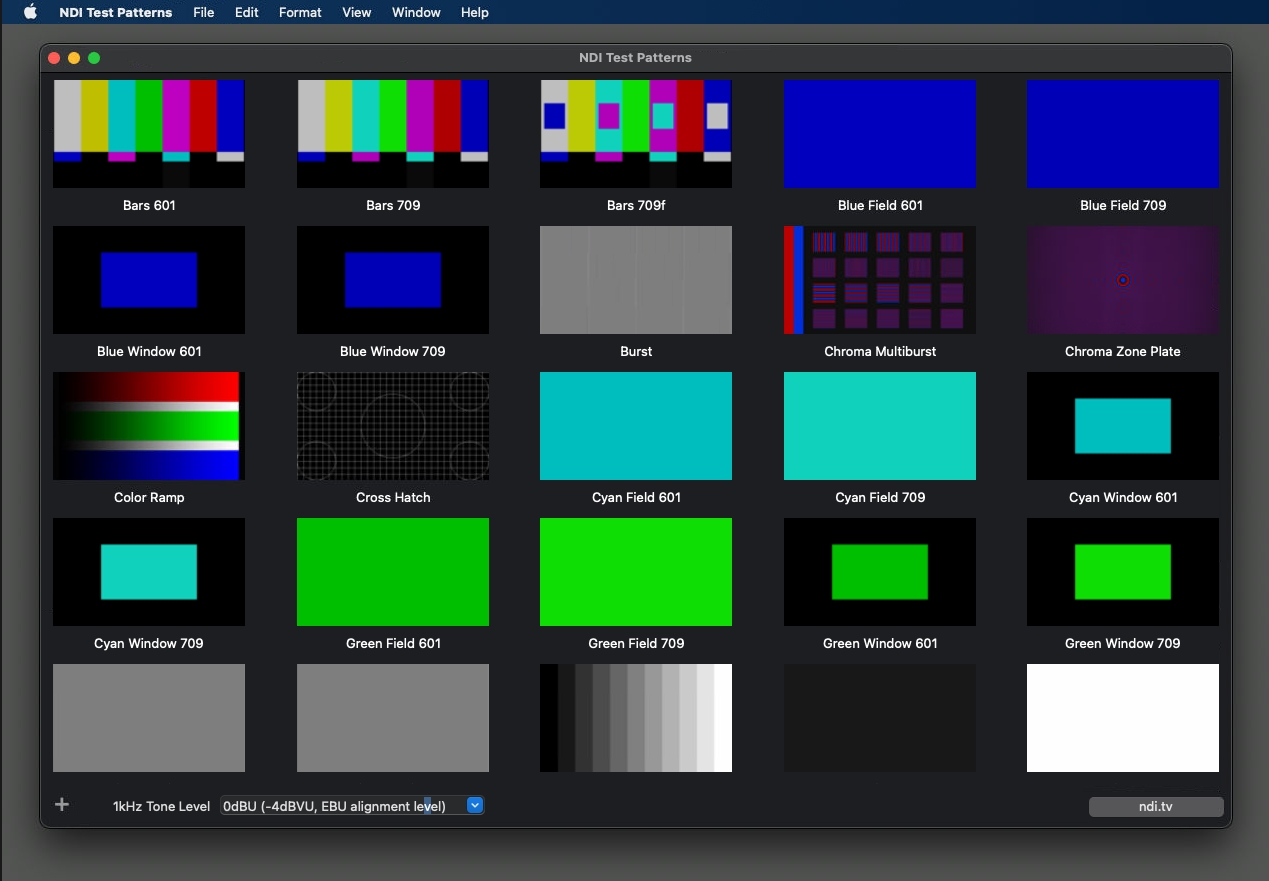
NDI Test Patterns is a tool designed to facilitate precise audio and video calibration on NDI-enabled devices within your network.
With a range of test patterns and audio tones, this tool ensures accurate color properties and optimal sound levels.
and run NDI Test Patterns from the or your applications list.
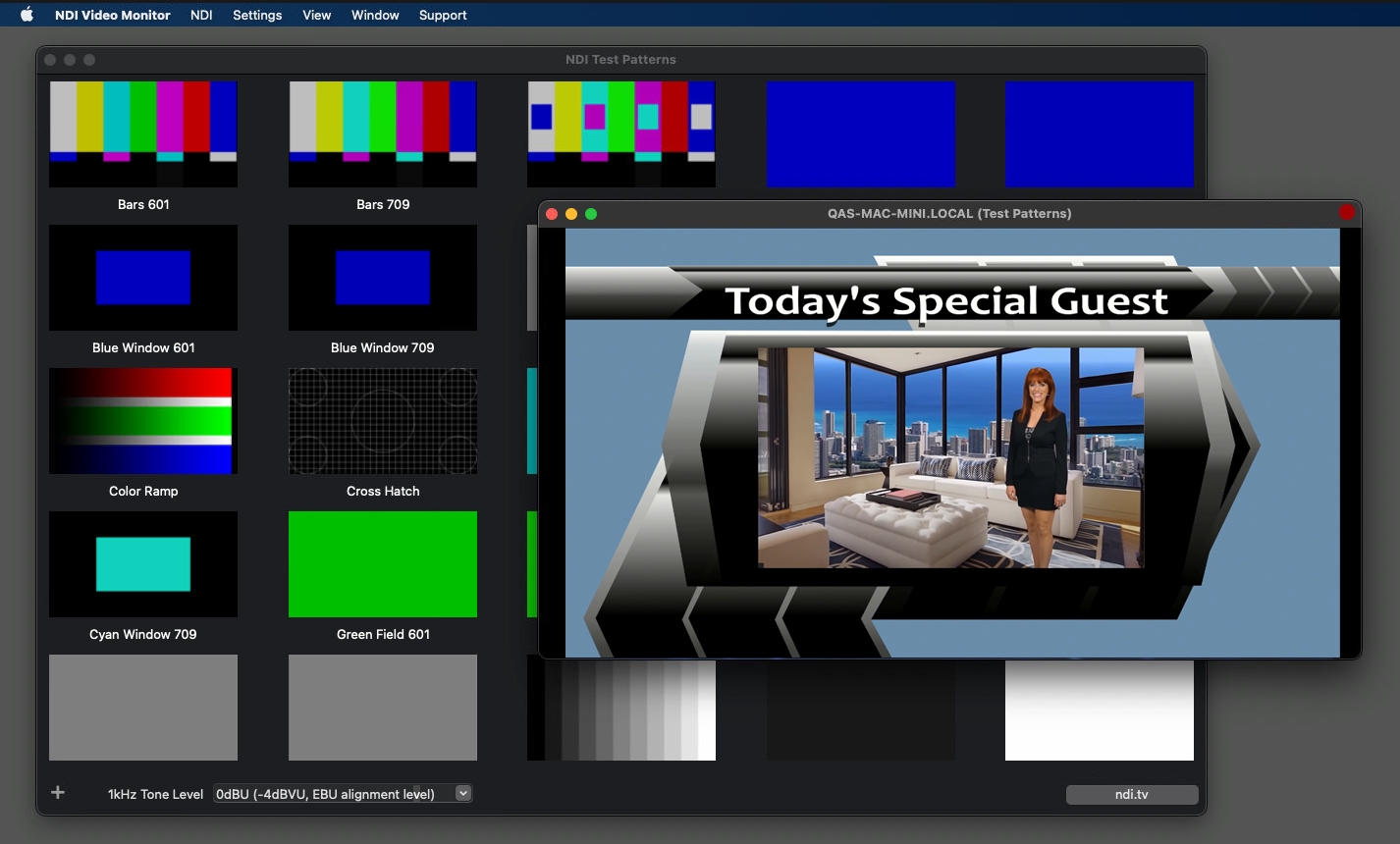
Upon launching, NDI Test Patterns will instantly share an NDI signal across your network, viewable on other NDI-enabled devices using software like Studio Monitor.
To receive the signal from NDI Test Patterns, right-click on the tool, select the device's name, and choose Test Patterns.
Explore a variety of test patterns by scrolling down the page and selecting the one that best suits your calibration needs.
Click the plus button at the bottom of the screen to add custom images to the list of patterns in NDI Test Patterns.
NDI Test Patterns supports images with embedded alpha, allowing you to load most 32-bit image file formats and use them as sources for overlays in your program.
Enable a one-kilohertz tone accompanying the NDI test pattern signal to test your audio equipment. Choose from various decibel levels to suit your audio calibration requirements.