> For the complete documentation index, see [llms.txt](https://docs.ndi.video/all/llms.txt). Markdown versions of documentation pages are available by appending `.md` to page URLs; this page is available as [Markdown](https://docs.ndi.video/all/using-ndi/ndi-tools/ndi-tools-for-mac/test-patterns.md).
# Test Patterns
Streamline Connectivity and Calibration.
**NDI Test Patterns** is a tool designed to facilitate precise audio and video calibration on NDI-enabled devices within your network.
With a range of test patterns and audio tones, this tool ensures accurate color properties and optimal sound levels.
{% hint style="info" %}
Download NDI Tools [here](https://ndi.video/tools/download/).
{% endhint %}
***
## **Accessing NDI Test Patterns**
[Install NDI Tools](/all/using-ndi/ndi-tools/installing-ndi-tools.md) and run NDI Test Patterns from the [NDI launcher](/all/using-ndi/ndi-tools/ndi-tools-launcher.md) or your applications list.
***
## **Immediate NDI Signal Sharing**
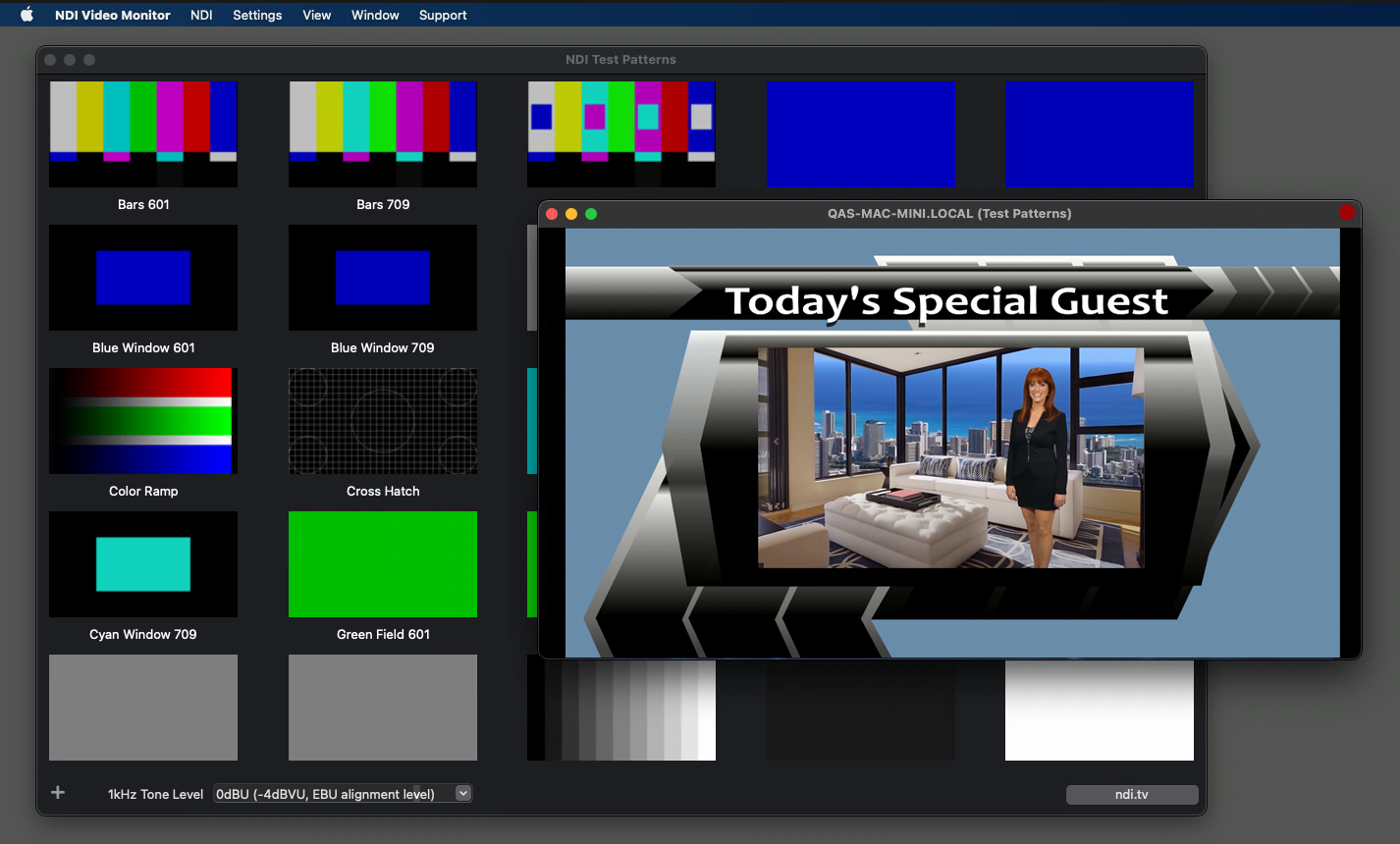
Upon launching, NDI Test Patterns will instantly share an **NDI signal** across your network, viewable on other NDI-enabled devices using software like Studio Monitor.
***
## **Viewing the NDI Signal**
To receive the signal from NDI Test Patterns, right-click on the [NDI Video Monitor](/all/using-ndi/ndi-tools/ndi-tools-for-mac/video-monitor.md) tool, select the device's name, and choose `Test Patterns`.
***
## **Test Pattern Variety**
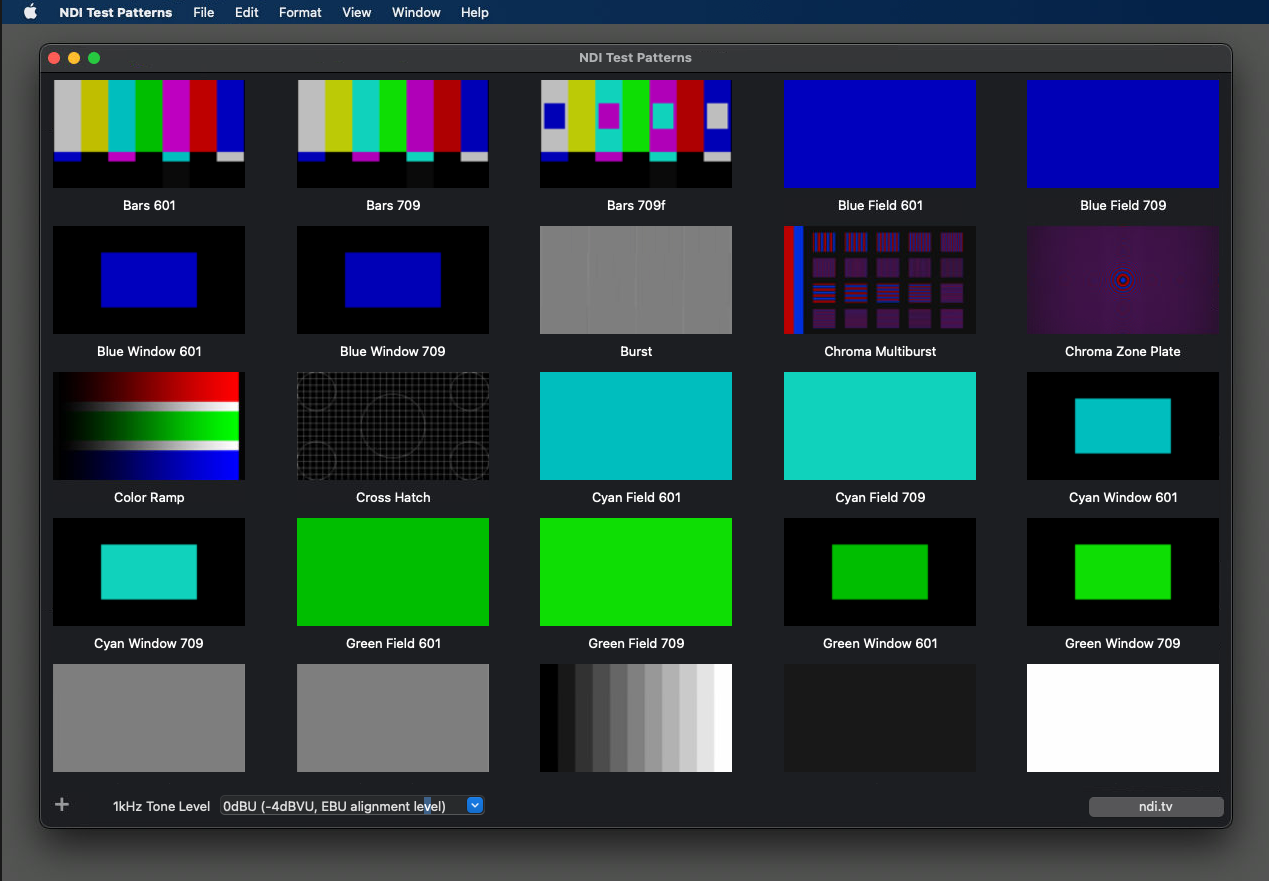
Explore a variety of test patterns by scrolling down the page and selecting the one that best suits your calibration needs.
Test Patterns library
***
## **Custom Image With Embedded Alpha**
Click the **plus button at the bottom of the screen** to add custom images to the list of patterns in NDI Test Patterns.
NDI Test Patterns supports images with embedded alpha[^1], allowing you to load most 32-bit image file formats and use them as sources for overlays in your program.
***
## **Audio Calibration**
Enable a one-kilohertz tone accompanying the NDI test pattern signal to test your audio equipment. Choose from various decibel levels to suit your audio calibration requirements.
[^1]: The **alpha channel** is a color component that represents a color's degree of transparency or opacity (i.e., the red, green, and blue channels). It determines how a pixel is rendered when blended with another.
---
# Agent Instructions
This documentation is published with GitBook. GitBook is the documentation platform designed so that both humans and AI agents can read, navigate, and reason over technical content effectively. Learn more at gitbook.com.
## Querying This Documentation
If you need additional information that is not directly available in this page, you can query the documentation by asking a question.
Perform an HTTP GET request on the following URL with the `ask` and `goal` query parameters:
```
GET https://docs.ndi.video/all/using-ndi/ndi-tools/ndi-tools-for-mac/test-patterns.md?ask=&goal=
```
`ask` is the immediate question: it should be specific, self-contained, and written in natural language.
`goal` is what the user is ultimately trying to achieve, the reason they need the answer. Sharing it helps GitBook give you a better, more relevant answer. A goal is most helpful when it describes the outcome the user wants rather than restating the question. For example, with `ask=how do I create an API token`, a goal like `automate deployments from our CI pipeline` lets GitBook tailor the answer to that use case.
The response will contain a direct answer to the question and relevant excerpts and sources from the documentation.
Use this mechanism when the answer is not explicitly present in the current page, you need clarification or additional context, or you want to retrieve related documentation sections.