> For the complete documentation index, see [llms.txt](https://docs.ndi.video/all/llms.txt). Markdown versions of documentation pages are available by appending `.md` to page URLs; this page is available as [Markdown](https://docs.ndi.video/all/using-ndi/ndi-tools/ndi-tools-for-mac/access-manager.md).
# Access Manager
Streamline NDI Source Management.
N**DI Access Manager** is a tool designed to give you control over the visibility and discoverability of NDI sources within your network. This tool allows you to manage precisely who can see specific NDI sources through the utilization of [send and receive groups](/all/getting-started/white-paper/discovery-and-registration/ndi-groups.md). Ideal for enhancing content-sharing workflows, NDI Access Manager is available for free as part of the NDI Tools package.
{% hint style="info" %}
Download NDI Tools [here](https://ndi.video/tools/download/).
{% endhint %}
***
## **Accessing NDI Access Manager**
[Install NDI Tools](/all/using-ndi/ndi-tools/installing-ndi-tools.md) and run NDI Access Manager from the [NDI launcher](/all/using-ndi/ndi-tools/ndi-tools-launcher.md) or your applications list.
***
## **Creating Groups**
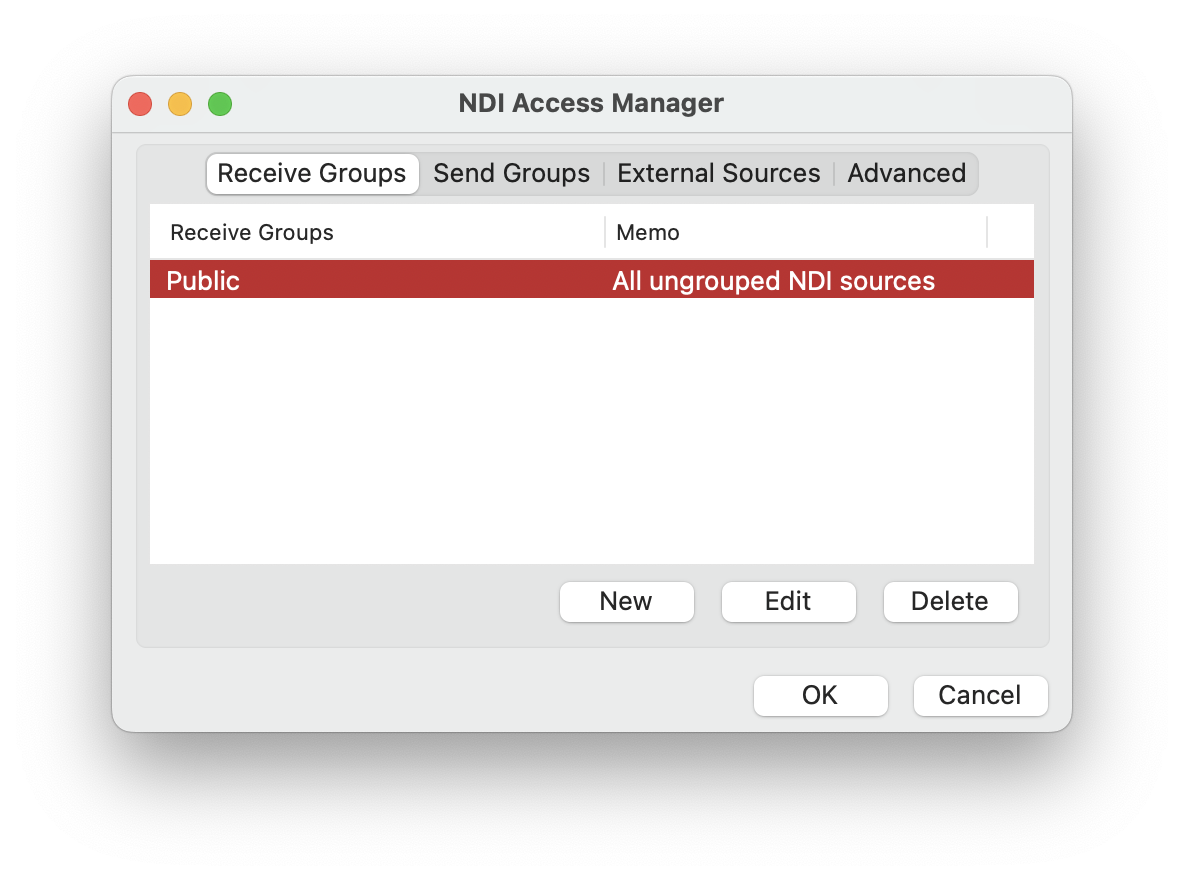
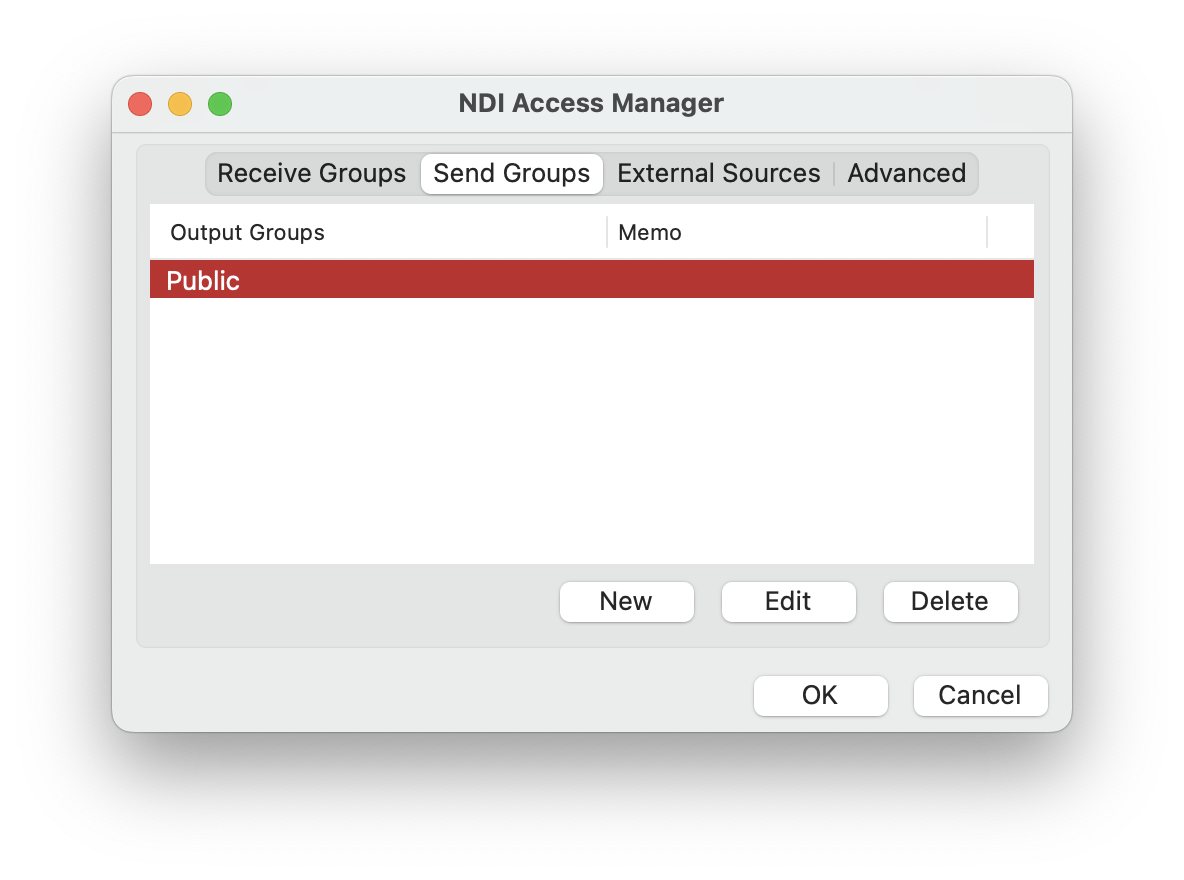
First, select the `Receive Groups` or `Send Groups`tabs to determine if you are creating NDI groups that allow devices to send or receive specific NDI signals. Them, create a new NDI group by clicking `New.`
To configure a group, you should attribute it to a name. You can also add a small memo/note with additional information about the group.
By entering group names, you **restrict NDI sources to only those devices that have the corresponding Group in their Receive Groups list.**
Creating a new NDI Receive Group
Creating a new NDI Send Group
***
## Configuring **Devices**
{% hint style="info" %}
If you want to explore some examples of how to connect different devices to NDI Groups, check the [scenarios](/all/getting-started/white-paper/discovery-and-registration/ndi-groups.md#scenarios) in our White Paper.
{% endhint %}
***
## **External Sources**
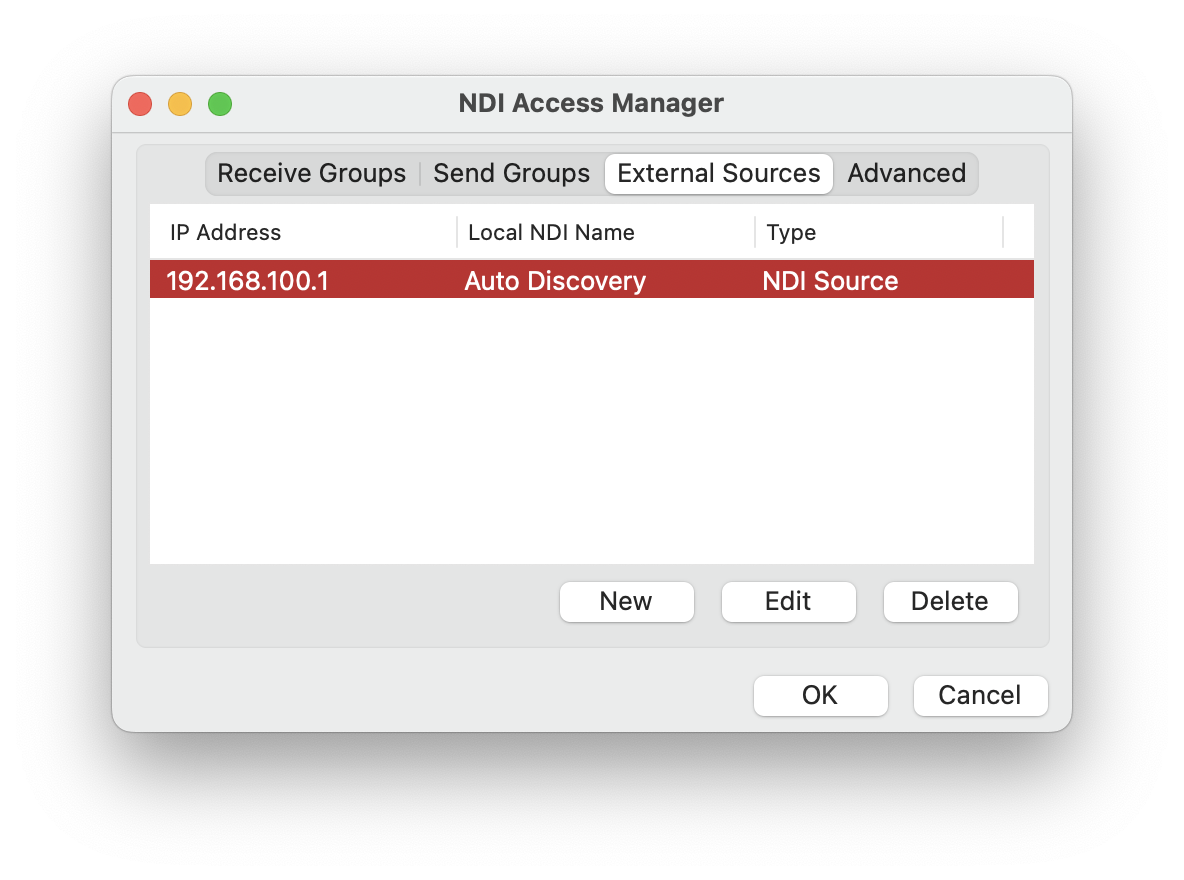
* Use the **External Sources** tab to reach NDI-enabled devices on subnets that are not on your current network.
* Add external sources by specifying IP addresses, providing easily identifiable names, and managing settings.
FInd subnets through the External Sources tab.
***
## Advanced Settings
Explore advanced settings in the "Advanced" tab to address specific network challenges:
* **Configure transport modes, multicast ranges, network mapping**, and more.
* To streamline the management of NDI signals, particularly in larger networks, **designate an NDI discovery server, set preferred** [**NICs**](#user-content-fn-1)[^1]**, and define device aliases**.
NDI Access Manager settings are saved into a specific file in the computer's operating system. All NDI applications will look for this file when they first start to get the NDI configuration data. If this file is updated while an NDI application is running, it will continue to use the previous information. To refresh the settings for an NDI application, restart it again which will make it read the file and get the new settings.
The NDI Access Manager configuration file is stored in the following location:
**Mac**\
`$HOME/.ndi/ndi-config.v1.json`
**Linux**\
`$HOME/.ndi/ndi-config.v1.json`
{% hint style="warning" %}
Always ensure network configurations align with IT guidelines for better network compatibility and optimal performance. Consult with your IT department before configuring **NDI Access Manager**.
{% endhint %}
[^1]: A network interface controller (NIC, also known as a network interface card, network adapter, LAN adapter, or physical network interface, and by similar terms) is a computer hardware component that connects a computer to a computer network.
---
# Agent Instructions
This documentation is published with GitBook. GitBook is the documentation platform designed so that both humans and AI agents can read, navigate, and reason over technical content effectively. Learn more at gitbook.com.
## Querying This Documentation
If you need additional information that is not directly available in this page, you can query the documentation by asking a question.
Perform an HTTP GET request on the following URL with the `ask` and `goal` query parameters:
```
GET https://docs.ndi.video/all/using-ndi/ndi-tools/ndi-tools-for-mac/access-manager.md?ask=&goal=
```
`ask` is the immediate question: it should be specific, self-contained, and written in natural language.
`goal` is what the user is ultimately trying to achieve, the reason they need the answer. Sharing it helps GitBook give you a better, more relevant answer. A goal is most helpful when it describes the outcome the user wants rather than restating the question. For example, with `ask=how do I create an API token`, a goal like `automate deployments from our CI pipeline` lets GitBook tailor the answer to that use case.
The response will contain a direct answer to the question and relevant excerpts and sources from the documentation.
Use this mechanism when the answer is not explicitly present in the current page, you need clarification or additional context, or you want to retrieve related documentation sections.